Your Ad Studio Contract Ends January 31. Here's the Week-by-Week Plan.
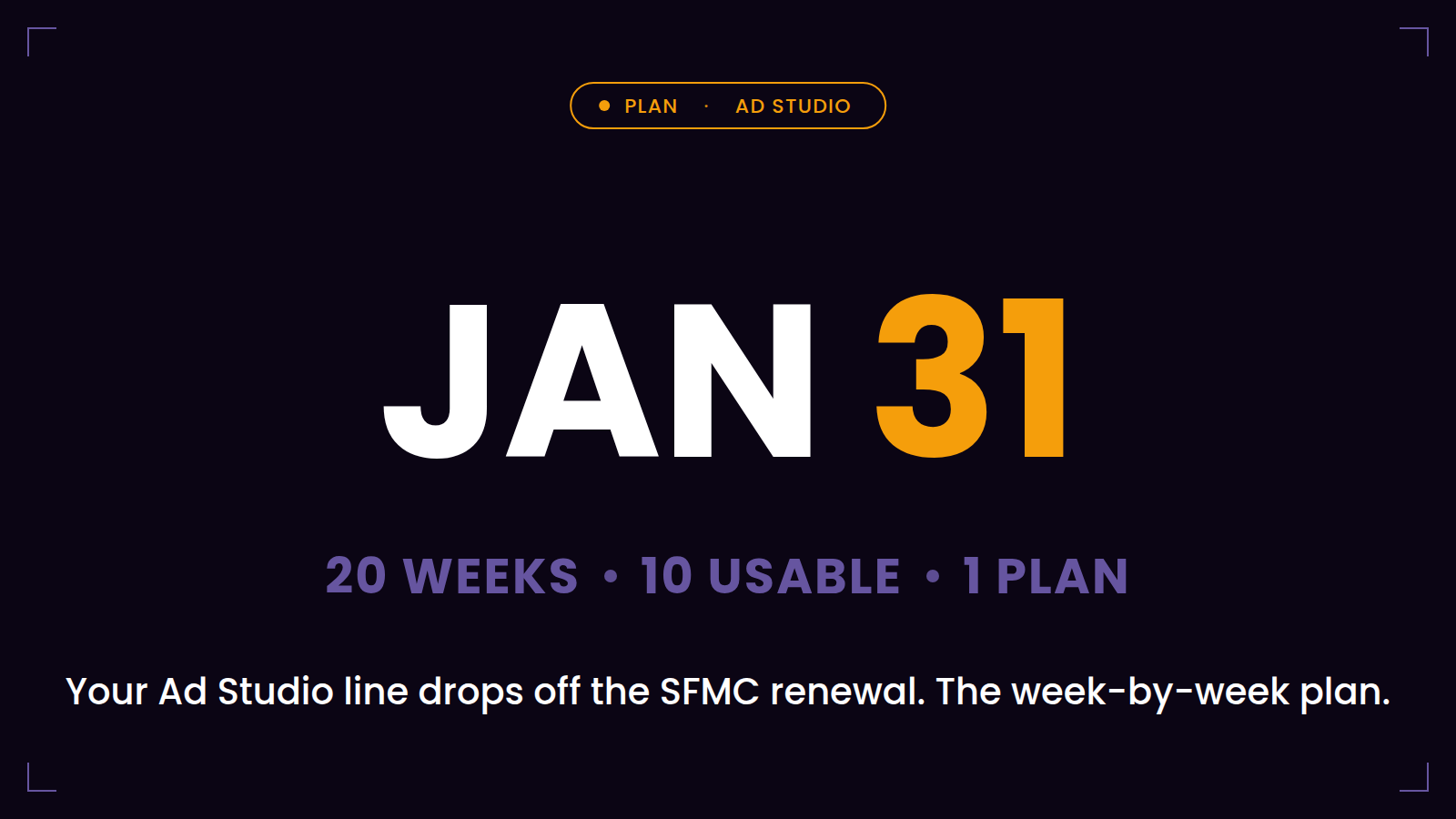
A large share of SFMC contracts co-terminate with Salesforce's fiscal year — and most companies never had a separate Ad Studio contract at all. Marketing Cloud Advertising was a line item on the Marketing Cloud order. So when that order renews on January 31, everything on it carries over except the one line nobody can renew anymore. If that is your situation, your Ad Studio end date is not an Ad Studio question. It is your SFMC renewal date, and it is roughly twenty weeks away.
Twenty weeks sounds comfortable. Now subtract what actually sits inside them: BFCM, the November change freeze most retail and e-commerce organizations enforce around it, the December holiday freeze, and the year-end weeks when half your team and half your agency are away. The available migration window inside those twenty weeks is closer to ten — front-loaded. Which is why this plan starts now, does the irreversible-risk work first, and treats November and December as validation time rather than build time.
The plan at a glance:
- September (weeks 1–3): confirm the date, run the inventory, retrieve every destination audience ID.
- October (weeks 4–8): choose the platform, connect the ad accounts, import audiences, start the parallel run.
- November (weeks 9–12): freeze — let BFCM stress-test the parallel run.
- December (weeks 13–16): mirror the long tail, train, document, write the cutover checklist.
- January (weeks 17–20): cut over, detach deliberately, keep two buffer weeks.
September — Weeks 1 to 3: the work only you can do
Week 1: Confirm the date and open the inventory. Pull the order form and confirm which renewal your Advertising Studio line actually sits on — do not assume; co-terms have surprises in both directions. Put the confirmed date in the shared marketing calendar. Then start the audience inventory: Ad Studio has no export of its own audience list, so this is manual — every active audience, its source Data Extension and folder path, refresh settings, refreshing automation, segmentation criteria, consent field, destination, ad account, owner. Budget two to three person-days per hundred audiences, include the error-state audiences, and remember Journey Builder ad activities won't appear in the audience UI at all — those you find by walking your journeys.
Weeks 2–3: Retrieve every destination audience ID. In each ad account, record the platform-side ID of every Ad Studio–managed custom audience, and map what hangs off each one: seeded lookalikes, active campaigns. This is the single most time-sensitive task in the whole plan — the IDs are what let your replacement platform re-attach to existing audiences instead of rebuilding them, and they are only retrievable while the audiences exist and someone remembers which is which. Everything else in this plan can compress. This can't.
October — Weeks 4 to 8: connect, import, and prove it
Weeks 4–5: Choose the platform and connect the accounts. If you are still evaluating, October is the deadline for deciding — an evaluation that runs into November decides by default. Connect your ad accounts to the replacement (a practical tip from the field: create a dedicated service user for the connections, so the pipeline doesn't die when a critical human leaves). Mind the multi-account reality — per-brand ad accounts, agency-held accounts — because chasing admin access across an agency MCC takes calendar time no tool can compress.
Weeks 6–8: Import the load-bearing audiences and start the parallel run. Re-attach your top audiences by ID — the big suppressions, the core retargeting segments, the lookalike seeds — and run them in parallel: Ad Studio and the new platform, same source Data Extensions, both syncing. Compare match rates, audience counts, refresh latency. Fix mapping issues now, while discrepancies are curiosities rather than incidents. By the end of October, your most important audiences should be syncing correctly from both pipes.
November — Weeks 9 to 12: freeze, and let BFCM be your test bench
Do not cut over in November. Do not migrate audiences in November. November is for exactly one thing: letting the parallel run operate under the heaviest, highest-stakes load of the year. Your BFCM purchaser suppressions refreshing hourly-or-daily, your retargeting audiences at peak volume, your new platform proving it holds under exactly the conditions that matter — while Ad Studio still runs as the safety net you are paying for anyway. Watch the comparison dashboards, log every discrepancy, and resist all cleverness. (BFCM has a second gift for this migration — the audiences it generates — we've written that up separately.)
December — Weeks 13 to 16: mirror the long tail, write things down
The quiet weeks between BFCM and the holidays are for completeness, not heroics. Mirror the remaining audiences — the long tail the parallel run hasn't covered. Decommission what the inventory revealed as dead (every 250-audience setup contains audiences nobody has owned since 2023; migrating them is effort spent preserving entropy). Train the team on the new workflow, document the new process next to the old one, and write the January cutover checklist while everyone who knows the answers is still reachable. Target: by the December freeze, 100% of live audiences syncing from both platforms, and a cutover plan a colleague could execute without you.
January — Weeks 17 to 20: cut over with the safety net still up
Weeks 17–18: Cut over, destination by destination. Point campaigns at the new-platform audiences where they aren't already, confirm each destination is healthy, then deliberately detach Ad Studio's connections — highest-value audiences first — rather than letting the contract sever them on the 31st. A deliberate detach with recorded IDs is a controlled handover; a contract lapse over live connections is a platform-behavior experiment run on your lookalike seeds.
Weeks 19–20: Buffer. Two weeks for the surprises every ad account eventually produces — an agency-owned account with a forgotten admin, a Journey Builder activity someone missed, a token that expires at the worst moment. If the buffer goes unused, you finish early. Nobody has ever complained.
Then January 31 arrives, the line item quietly drops off the renewal, and — if the last twenty weeks went as above — nobody outside this plan notices anything at all. Which is the entire definition of a successful migration.
Cezium Ads is built for precisely this calendar: two-to-four-week migrations (here's one at 250 audiences), Import Audiences to re-attach by ID, and a free Migration Kit with the inventory template this plan's first week depends on. The twenty weeks are already counting down; the only variable is which week you start.
Frequently asked questions
How do I know if my Ad Studio ends on January 31?
Check which order your Marketing Cloud Advertising line item sits on. Most companies have no separate Ad Studio contract — it is a line on the SFMC order — so your Ad Studio end date is usually your SFMC renewal date, and many SFMC contracts co-terminate with Salesforce's January 31 fiscal year-end.
Is 20 weeks enough to migrate off Advertising Studio?
Yes, comfortably — if the work is front-loaded. Inventory and audience-ID retrieval in September, connections and parallel run in October, validation through the November–December freezes, cutover in early January with a buffer.
Should we pause the migration during BFCM?
Pause the changes, not the migration. Run both platforms in parallel through the peak: BFCM's volumes and refresh rates are the best stress test your future platform will ever get, with Ad Studio still live as the safety net.
What if we start late — in November or December?
Compress: inventory and destination-ID retrieval first (they're irreversible after term end), import the load-bearing audiences by ID, shorten the parallel run, and cut over destination by destination in January. It's tighter, not impossible.

Ready to transform your CRM audience activation?
Join marketers who've simplified their workflow with Cezium Ads