A 12-Country Fashion Brand Migrated 250 Ad Studio Audiences in 3 Weeks
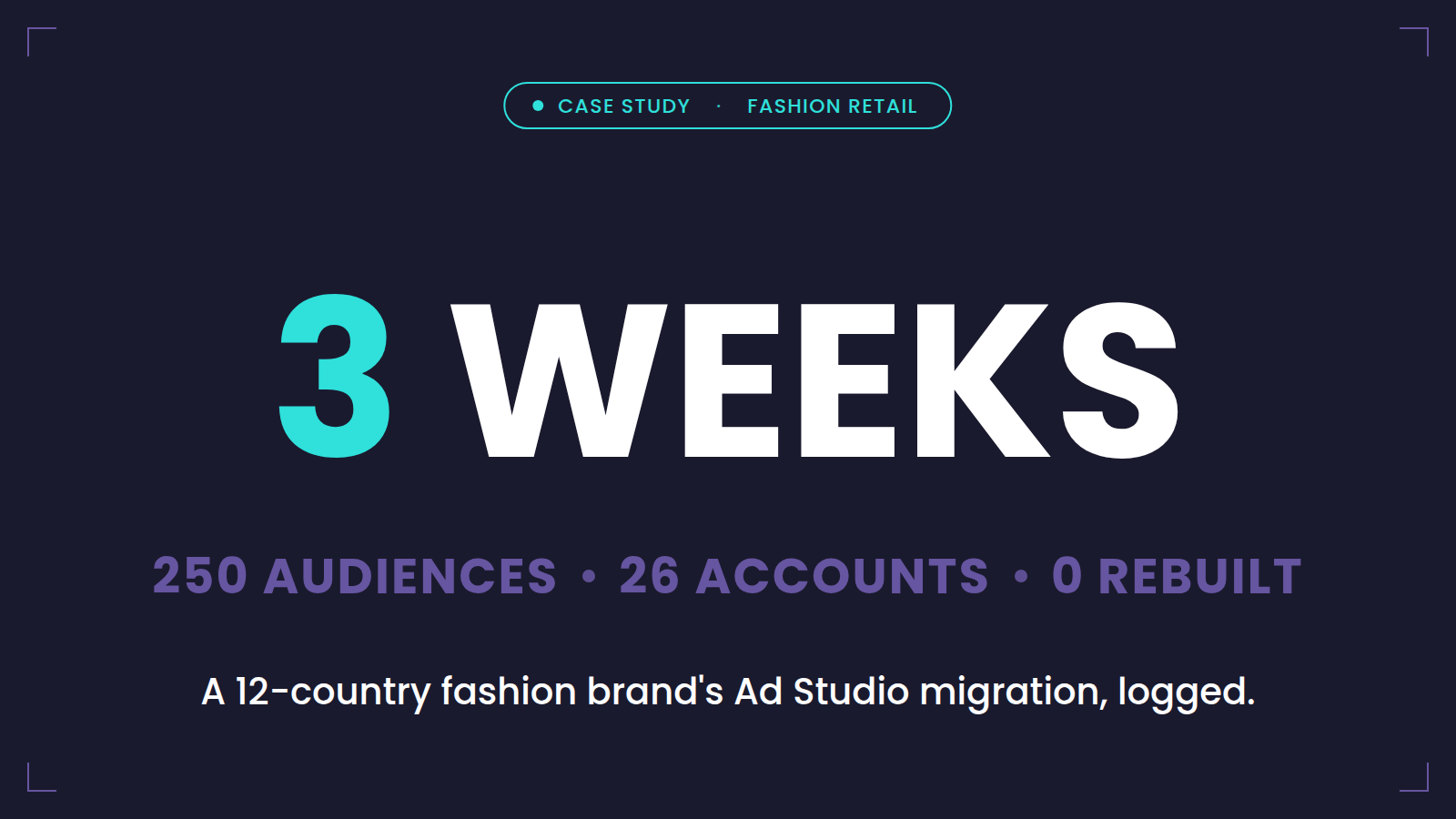
Migration advice is easy to write and hard to trust, so this post is the other thing: a log. One real customer, one real migration, with the numbers, the sequence, and the parts that didn't go to plan. The customer is a prêt-à-porter fashion retail brand operating in twelve countries; per our confidentiality terms we won't name them, but every figure below is theirs.
The starting point
The setup was Ad Studio at serious scale:
- 250 active audiences, including 10 built through Journey Builder ad activities
- 26 ad accounts: Meta across 12 country accounts, Google across 12, plus one Snapchat and one Pinterest account where the media team had been testing
- An audience mix shaped by a decade of lifecycle marketing: country-level retargeting segments, purchaser suppressions per market, VIP exclusions, churn win-back lists, lookalike seeds for acquisition, and a long tail of campaign-specific audiences of varying vintage
Two constraints framed the project. First, the media plan couldn't pause — 24 of those 26 accounts run always-on campaigns, and several acquisition programs sat on lookalikes seeded from Ad Studio-managed custom audiences. Rebuilding audiences from scratch would have meant re-seeding those lookalikes and resetting campaign learning across twelve markets, which the media team had rightly declared unacceptable. Second, the team was lean: this was run by the CRM team with our support, not by an SI army.
Week 1: Inventory and IDs
The first week never touched Cezium. It was spent building the inventory Ad Studio can't export: all 250 audiences, each mapped to its source Data Extension (and the DE's folder path), refresh settings, refreshing automation, segmentation criteria, consent field, destination platform, and ad account. The 10 Journey Builder audiences were found from the journey side — walking the journeys, recording each ad activity — since they don't appear in Ad Studio's audience UI at all. The week's second deliverable was the one that made the headline of this post possible: the destination audience ID of every custom audience, in every one of the 26 ad accounts, retrieved and matched to its inventory row.
The inventory also did what inventories do: of 250 audiences, a meaningful slice turned out to be dead on inspection — audiences in error state for months, tests nobody remembered, duplicates across markets. Those were flagged for retirement rather than migration. You do not pay to move furniture into the new house that you were meaning to throw away.
Week 2: Connections and imports
Cezium Ads installed from AppExchange, then the account-connection campaign: 26 ad accounts means 26 OAuth connections and, more consumingly, 26 conversations about who actually administers each account — several sat with local agencies. (The practical lesson we now give every customer: create a dedicated service user for the connections, so no departure ever kills the pipeline.) With connections live, the Import Audiences feature did the central job: re-attaching Cezium to the existing custom audiences by the IDs collected in Week 1. Same audiences, same lookalikes hanging off them, same campaigns targeting them — only the feeding pipe changed. The 10 Journey Builder use cases were rebuilt as journey-flexible audiences, which in Cezium's model made them reusable across journeys rather than locked to the one that created them — the first place the migration delivered something Ad Studio never had.
Week 3: Parallel run and cutover
One week of both platforms syncing the same Data Extensions into the same destinations, comparing counts and match rates market by market. Discrepancies were small and boring — a mapping fix here, a consent-field clarification there — which is exactly what you want discrepancies to be. Then cutover: Ad Studio connections detached deliberately, highest-value audiences first, with the media team watching campaign delivery. Nothing flinched. Total elapsed time, inventory to cutover: three weeks. Rebuilt custom audiences: zero. Campaigns paused: zero.
What the setup looks like now
The more interesting story is what happened after, because a migration's real test is whether the new platform becomes a floor or a ceiling. Today the setup looks like this:
- 350 audiences — 40% more than were migrated
- Snapchat scaled from one test account to six
- The Pinterest test, reviewed honestly on its numbers, was stopped
- TikTok — impossible on Ad Studio, which never supported it — went from a first account to ten, scaling across markets as the media team pushed first-party audiences into its main acquisition channel
That expansion is the point we would make if we were allowed only one. The migration itself was three weeks of disciplined work — inventory, IDs, connections, parallel run — and any team with the checklist can do it. What the team actually bought was everything the frozen product had been quietly costing them: the destinations they couldn't test, the audiences they didn't build because the workflow fought them, the journey audiences locked in place. The 250th audience was a migration. The 350th was a media strategy.
Their contract clock ran out the way everyone's now will. The difference between that being an incident and a non-event was three weeks — started early enough to be boring.
Frequently asked questions
How long does an Advertising Studio migration take at scale?
This 250-audience, 26-account setup took three weeks: one for inventory and audience-ID retrieval, one for connections and imports, one for the parallel run and cutover. Smaller setups typically land in two; the week-by-week planning logic scales in both directions.
Do you have to rebuild custom audiences when leaving Ad Studio?
Not if you capture the destination audience IDs first. In this migration, zero custom audiences were rebuilt — every existing audience was re-attached by ID, keeping lookalikes and campaign learning intact.
What was the hardest part of the migration?
Not the technology — the ad account access. Twenty-six accounts meant twenty-six conversations about who administers what, several with local agencies. Starting that chase early, and creating a dedicated service user for connections, is the transferable lesson.
Get the same checklist they used — free in the Migration Kit →

Ready to transform your CRM audience activation?
Join marketers who've simplified their workflow with Cezium Ads